
Introduction #
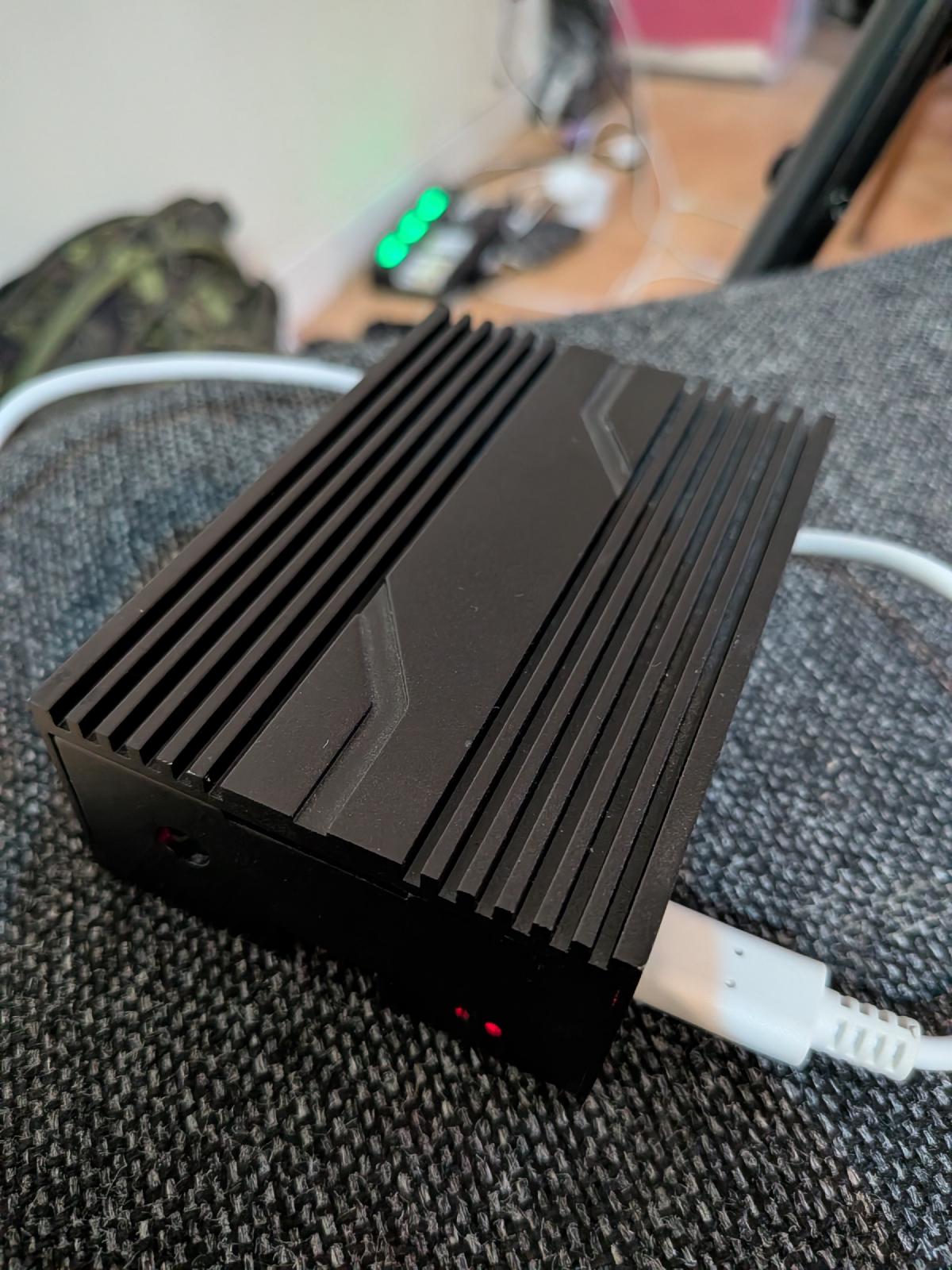
This is the last post in my series on running OpenClaw on hardware that isn’t a Mac Mini. Today we’ll try it out on a pretty beefy Raspberry Pi 4 with 8GB of RAM. OpenClaw ran w/out any issues on the Pi 400 with 4GB of RAM so this will likely be a pretty boring post. I’m not going to try on the Pi 5 because we’re already at a place where I can run any common OpenClaw workload. If you have a Raspberry Pi 4 with at least 4GB of RAM lying around, you can 100% use that to run OpenClaw instead of dropping $500.00 on a new Mac Mini. If you just need an excuse to buy a Mac Mini, I get it, that’s fine, don’t let me stop you.
Install Raspberry Pi OS #
As usual, I installed the 64bit Lite version of Raspberry Pi OS and booted up the Pi.
Install OpenClaw #
Follow the Raspberry Pi specific install instructions located here.
Run OpenClaw #
Since I’ve been using my OpenClaw instance for several weeks now and want to
preserve it’s history and memories, I tarred up the .openclaw folder on the
Pi 400:
tar -cvf dot.openclaw.tar .openclaw.tarthen I scped it over from the new Pi:
scp openclaw@192.168.1.70:~/dot.openclaw.tar .and untarred it on the new system:
tar -xvf dot.openclaw.tarAnd then started the OpenClaw gateway:
openclaw gatewayAutomations #
The 3 automations I setup are already running since I copied all my configuration from the previous iteration:
- Check my blog for new posts
- Check your own health daily
- Check the weather and let me know if there’s anything I should be aware of
I validated they were all working.
Discord #
Haven’t bothered to get discord running again, as I’m always interacting with openclaw directly from the web ui.
Updates #
Updates seem to be working again. No issues running openclaw update or
updating directly from the GUI.
Conclusions #
No issues, OpenClaw is running just fine on a Pi 4 with 8GBs of RAM, as expected.
Reply by Email