
In a previous article I got local DNS up and running so that I could connect to all of my self hosted services via their names instead of their IP address and port numbers. Today, I’m going to setup what’s known as “Split Horizon DNS.”
Split Horizon DNS
Split Horizon DNS is the practice of returning different DNS information for a host based on where that host asks for the information from.
On my home network, my local DNS server was already configured to resolve the names of the various hosted services I have to their respective IP addresses. When I’m not at home, I would still like to access those services, but I will need them to resolve to different IP addresses.
Since I’m running Tailscale to allow me to connect to
my home network remotely, I can use the tailscale IP of the box that’s running
Caddy as the main entry point for all my services.
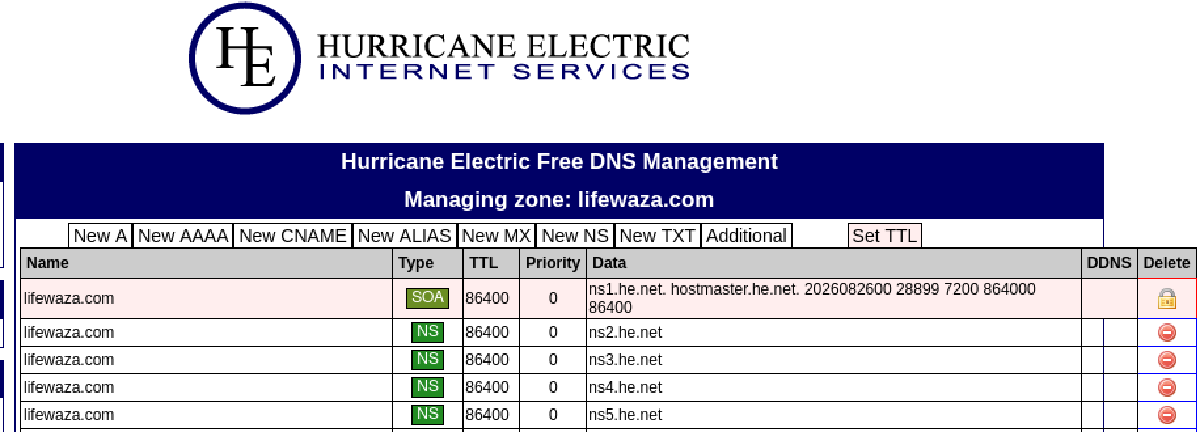
In the DNS settings of my DNS provider I need to add A records for
each service and point them to the tailscale IP address of the server that
caddy is running on. Here’s a snippet from my zone file:
dawarich.lifewaza.com.	300	IN	A	100.125.188.97
dozzle.lifewaza.com.	300	IN	A	100.125.188.97
freshrss.lifewaza.com.	300	IN	A	100.125.188.97
grafana.lifewaza.com.	300	IN	A	100.125.188.97
gramps.lifewaza.com.	300	IN	A	100.125.188.97
immich.lifewaza.com.	300	IN	A	100.125.188.97
jellyfin.lifewaza.com.	300	IN	A	100.125.188.97
This lets anyone ask for the IP address of grafana.lifewaza.com and get the
answer 100.125.188.97. That IP isn’t routeable on the real internet so anyone
attempting to browse those sites will simply see an error unless they also
happen to be connectd to my tailnet.
tailnet
A tailnet is what tailscale calls your own personal network of devices that can talk to each other via it’s secured wireguard network.
This means, that when I’m at home grafana.lifewaza.com will resolve to 192.168.1.10 (and I’ll be able to access it directly) but when I’m not home it will resolve to 100.125.188.97 and I’ll need to be connected to tailscale to access it.
Reply by Email